Interdisziplinäres Selbstlern-Projekt: BITS in Motion – From Digital Illusion to Physical Reality - Perceptual Shift (Englisch)
In this interdisciplinary mini-project, you will explore the intersection of 3D design, visual illusion, augmented reality, and animation by creating a perceptual-shift sculpture inspired by Michael Murphy’s Perceptual Shift.
3. Step-by-Step
Let's start! This page shows you the steps you need to follow to get your own perceptual shift animation. See the PDF guides for the detailed instructions to follow.
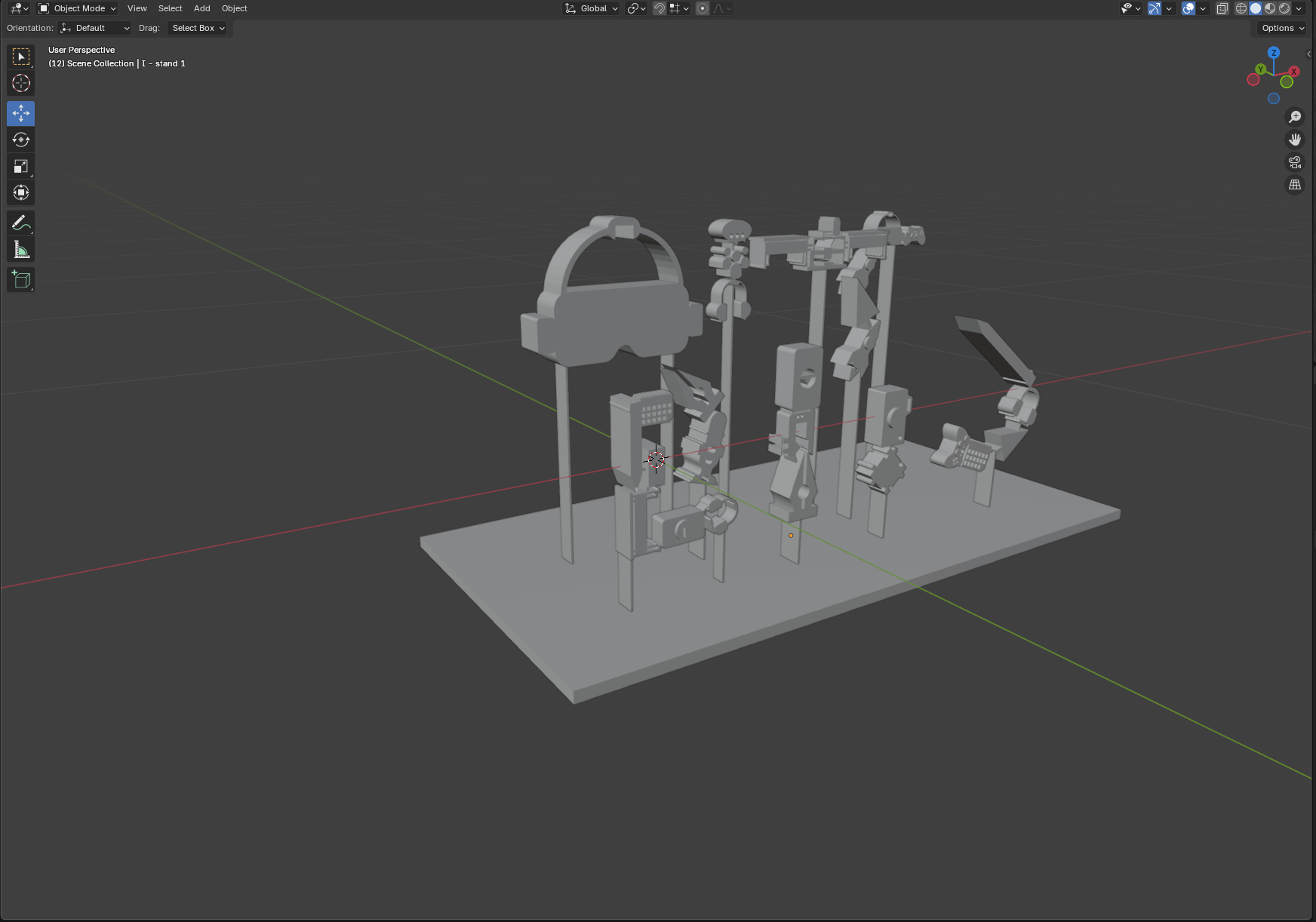
Apply 3D Modeling Techniques in Blender
- Use extrusion, layering, and object alignment
- Understand and implement perceptual shift / anamorphic illusion
- Prepare a model for 3D printing
- See Blender Modeling Guide (PDF)
Publish an Interactive WebAR Experience
- Create WebAR scenes viewable on mobile browsers without app installation
- See AR Modeling Guide (PDF)
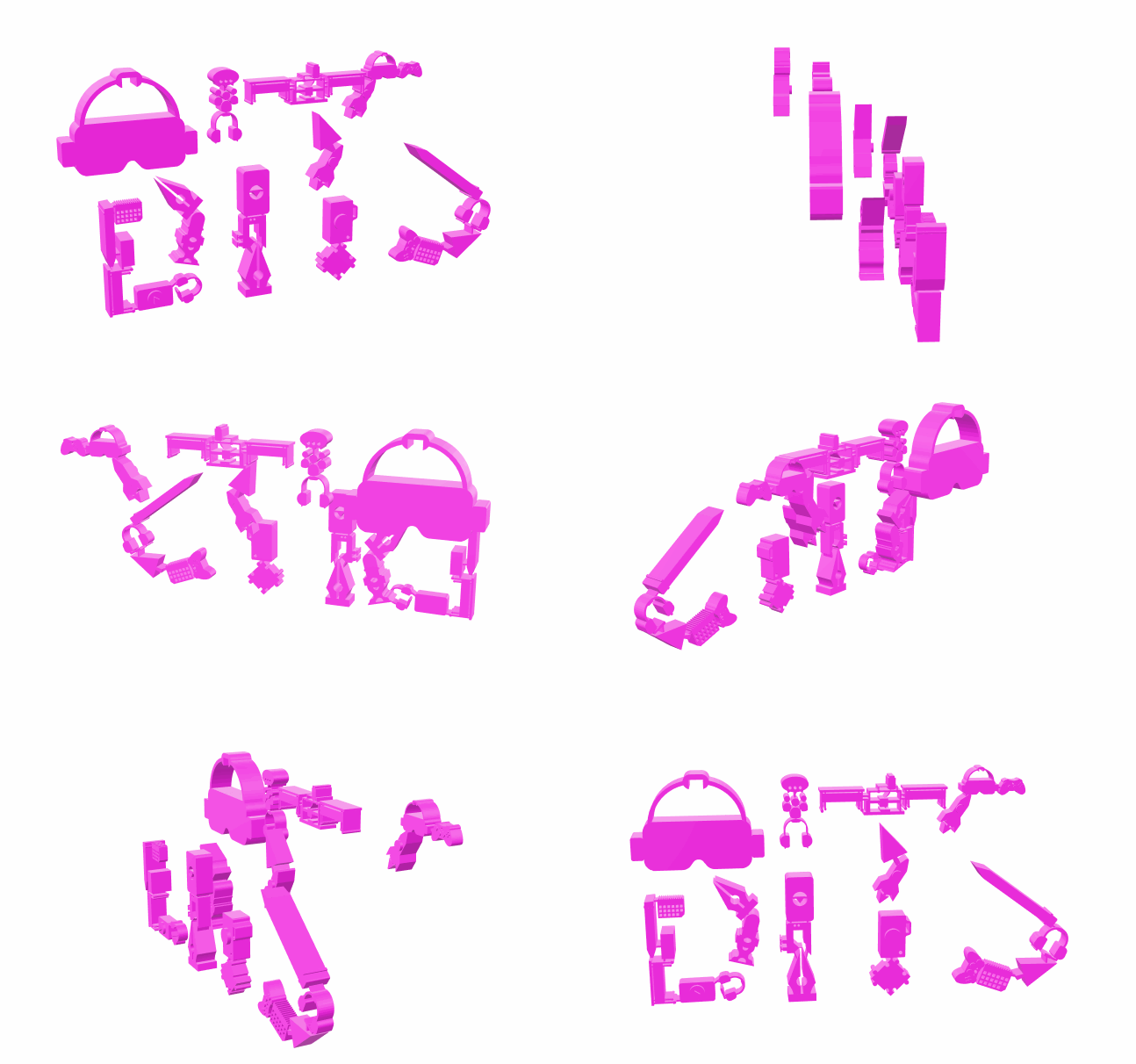
Plan, Shoot, and Edit a Stop-Motion Animation
- Develop a basic stop-motion sequence using physical objects
- See Stop-motion Guide (PDF)
